
This document introduces the use of inReach SE/SE+ inReach Explorer/Explorer+ with the Earthmate application, including pairing, sending messages, using the SOS function, etc.
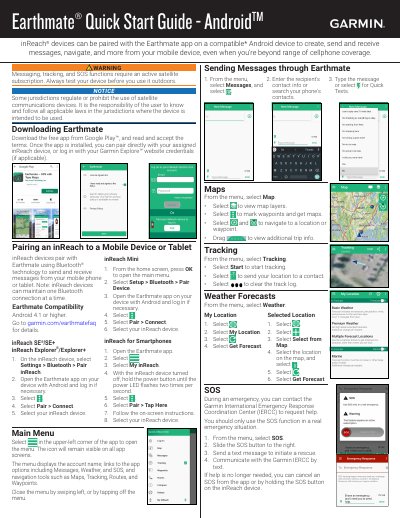
This guide explains how to pair Garmin inReach SE/SE+ and Explorer/Explorer+ devices with the Earthmate app on Android or Apple devices using Bluetooth. It covers sending messages, viewing maps, tracking location, checking weather forecasts, and using the SOS function for emergencies. The guide also includes instructions for pairing the device and navigating the app’s menus.
The SOS function allows you to contact the Garmin International Emergency Response Coordination Center (IERCC) to request help during a real emergency.
It can be paired with the Earthmate app to create, send and receive messages, navigate, and more from a mobile device, even beyond cellphone coverage.
An active satellite subscription is required to use the SOS function.
Android 4.1 or higher is required.