
This file is a watch user manual
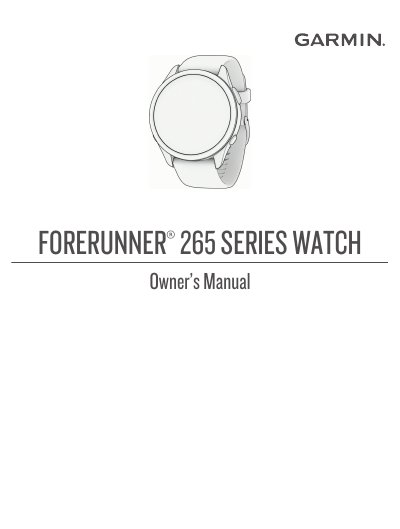
This manual provides detailed instructions for using the Garmin Forerunner 265 Series smartwatch. It covers essential setup procedures, including enabling the touchscreen and pairing wireless sensors like heart rate monitors and power meters. The guide explains how to start, stop, and evaluate various activities such as running, swimming, cycling, and strength training, as well as how to use advanced features like PacePro training and Virtual Partner.
| Display Type | OLED Display |
|---|---|
| Certification | ANT+ certified |
To improve reception, ensure you have a clear view of the sky and avoid obstructions like tall buildings or dense foliage.
Yes, the watch supports pairing with optional wireless sensors such as heart rate monitors and bike speed sensors.
You can manually pair your wireless sensors by navigating to the Sensors menu and selecting the option to pair a new device.