
FrSky Taranis X9E is a 16-channel transmitter. It has a 212*64 backlight LCD screen, 60 extendable model memories, Quad Ball Bearing Gimbals receiver match, audio speech outputs (values, alarms, settings, etc.), antenna status detection and adjustment, real-time flight data logging, extendable switch numbers, receiver signal strength indicator (RSSI) alerts, super low latency smart port supported, vibration alerts and Bluetooth.
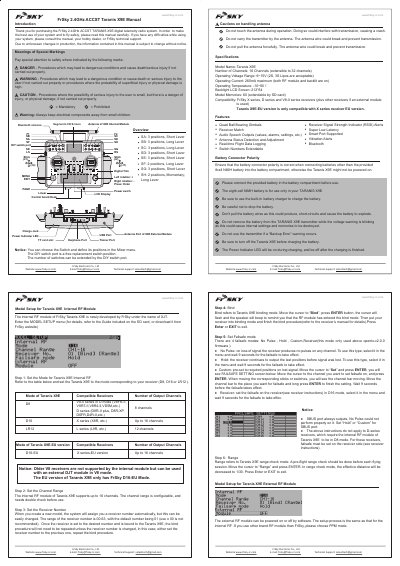
This manual provides instructions for the FrSky Taranis X9E, a 2.4GHz ACCST digital telemetry radio system. It details the device's specifications, including 16 extensible channels, compatibility with various FrSky receivers, and features like Bluetooth and real-time flight data logging. The document also includes safety warnings regarding antenna handling and battery usage. This manual is written in Chinese.
| Number of Channels | 16 Channels (extensible to 32 channels) |
|---|---|
| Operating Voltage Range | 6~15V |
| Operating Current | 260mA maximum |
| Operating Temperature | -10~60°C |
| Backlight LCD Screen Resolution | 212*64 |
| Model Memories | 60 |
The device is compatible with FrSky X series, D series, and V8-II series receivers, plus other receivers if an external module is used.
The maximum operating current is 260mA when both the RF module and backlight are on.
Move the cursor to 'Bind', press ENTER to enter bind mode, then put your receiver into binding mode and finish the procedure.