
The manual introduces the functions and features of FrSky ARCHER GR8 and ARCHER R6 receivers.
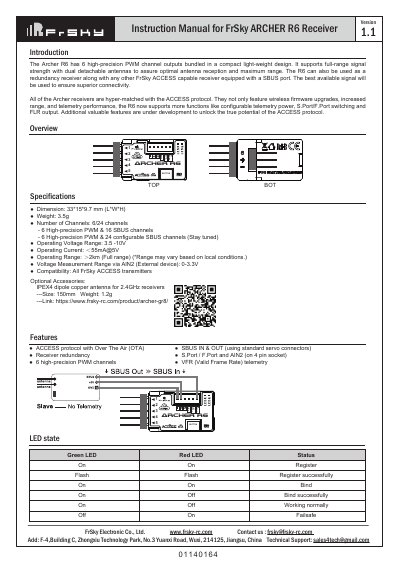
This manual covers the setup, binding, and operation of the FrSky ARCHER R6 receiver. It includes LED status indicators, binding procedures, and technical specifications such as dimensions, voltage range, and channel outputs. The receiver supports dual antennas for optimal signal reception and can be used as a redundancy receiver with other FrSky ACCESS devices. OTA firmware updates are supported via compatible transmitters like the Taranis X-Lite Pro.
| Dimension | 33*15*9.7 mm (L*W*H) |
|---|---|
| Weight | 3.5g |
| Number of Channels | 6 High-precision PWM & 16 SBUS channels |
| Operating Voltage Range | 3.5 -10V |
| Operating Current | 55mA@5V |
| Operating Range | 2km (Full range) |
| Voltage Measurement Range via AIN2 | 0-3.3V |
Turn on the transmitter, go to MENU-MODEL SETUP-PAGE 2, choose Internal or External RF, and select [Reg]. Connect the battery to the receiver while holding the button. Select [ENTER] on the transmitter to complete binding.
The factory default setting is FS (20ms) mode.
Go to SD CARD 2/7 on the transmitter, select the FW, press enter, select [Flash receiver OTA], power on the receiver, select the RX, go to [ENTER], complete the flash process.