
This document is the user guide for Seagate FreeAgent DockStar™ Network Adapter.
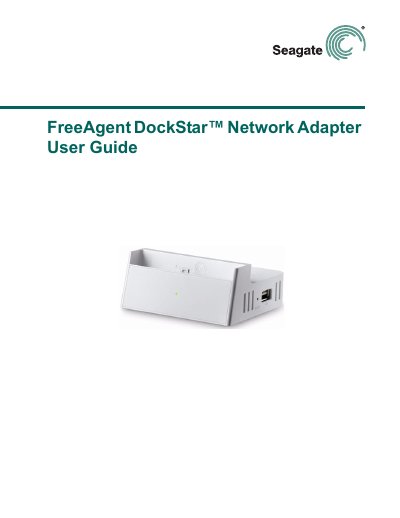
The Seagate FreeAgent DockStar Network Adapter allows users to share and access stored content from anywhere by connecting a USB mass storage device to the adapter. It supports the Pogoplug service for remote access and file sharing, as well as local network access without the service. The guide covers system requirements, physical setup, and account activation.
| Supported Operating Systems | Windows XP, Windows Vista, Windows 7, Mac OS X 10.4.9 or later |
|---|---|
| Supported Drive Formats | NTFS, FAT32, Mac OS Extended Journaled and non-Journaled (HFS Plus), ext2/ext3 |
| USB Ports | Up to three additional USB mass storage devices |
| Included Subscription | One year subscription to the Pogoplug service |
No, no copies from your drives are retained during the process; all data remains on your drives attached to the adapter.
The network adapter started but failed to connect to the service, likely due to no Internet connection.
Yes, you can enable Windows file sharing and access the adapter on your local network without using the Pogoplug service.