
This manual provides instructions for connecting, backing up, formatting, and testing the Seagate Backup Plus Desktop external hard drive.
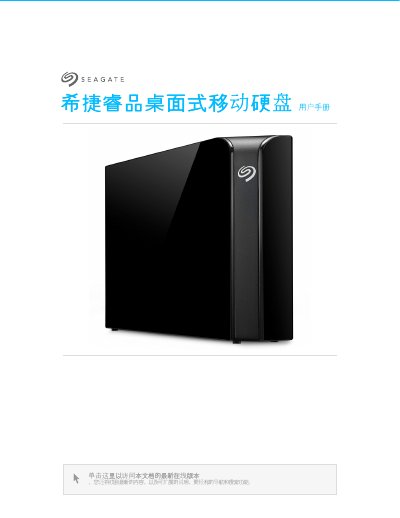
The Seagate Backup Plus Desktop is an external hard drive designed to store important files. It connects via USB 3.0 to computers running Windows 7 or later, or Mac OS X 10.7 or later, offering fast data transfer speeds of up to 5Gb/s when connected to a compatible port.
The document details how to connect the device using the included Micro-B to Type A cable and power adapter. It explains how to safely remove the drive from Windows PCs and Macs to prevent data loss, and describes the registration process for the Seagate Dashboard software. This manual is written in Chinese.
Windows 7 or higher version.
Yes, but the performance will be limited to USB 2.0 speed instead of the maximum 5Gb/s.
The Seagate Dashboard software for Windows computers, mobile devices, and social media backup.