
Introduces how to use FreeAgent | Theater
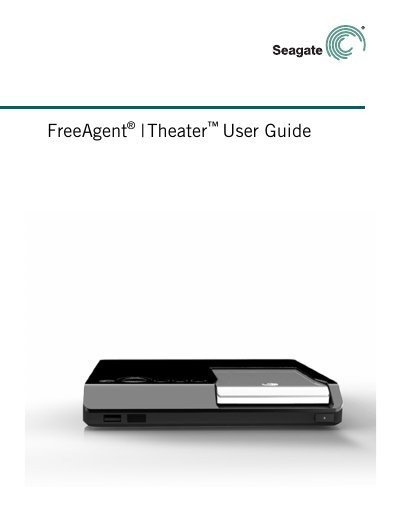
The FreeAgent | Theater media player lets you play digital media files from a USB drive or compatible digital camera on your TV. It works with NTFS- or FAT32-formatted drives and supports DivX-certified video playback. You can use the included software to manage and sync media files between your computer and the player.
The player includes a remote control for navigation, and features include photo slideshow creation, video playback with subtitles, and music playback with customizable settings. It connects to TVs via composite, S-Video, or component video outputs and supports both standard and high-definition TVs.
| Supported Video Formats | DivX® certified video including DivX 6 |
|---|---|
| USB Storage Compatibility | NTFS- or FAT32-formatted drives |
Yes, you can drag media files from your computer to your FreeAgent drive and play them directly on the media player.
On the main menu, select the device (FreeAgent Go or External Storage) containing the media you want to play.