
The Seagate Game Drive for Xbox User Manual explains packaging, system requirements, setup, RGB LED control, safe removal and FAQs.
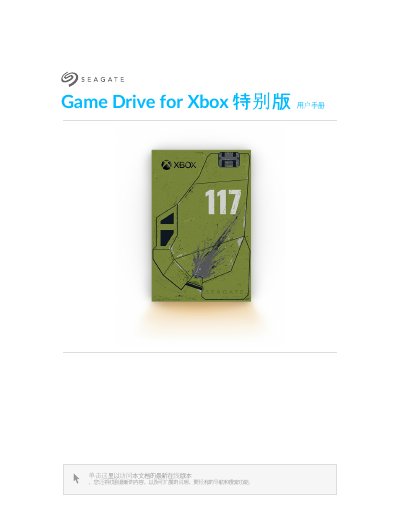
This manual covers the Seagate Game Drive for Xbox, an external USB 3.0 storage device that connects to the Xbox Series X|S via a USB‑A port. It explains the required Xbox formatting, how to connect the drive, and the contents included in the package.
The guide also details RGB LED management using the Seagate Toolkit and Razer Chroma, provides step‑by‑step instructions for formatting, editing LED patterns, and safely ejecting the drive, and includes a troubleshooting FAQ for common detection issues. This manual is written in Chinese.
| Interface | USB 3.0 (USB Micro‑B to USB‑A cable) |
|---|---|
| File System | exFAT |
| Compatible Consoles | Xbox Series X|S |
| Windows/macOS Compatibility | Not usable for data management when Xbox‑formatted |
If the drive is connected while the Xbox is powered off, the console may not detect it after power‑on; disconnect and reconnect the drive after the Xbox is turned on.
Cancelling the formatting prompt can prevent the drive from being detected; you must disconnect and reconnect the drive after the Xbox restarts.