
The Seagate 4‑Bay Rackmount NAS User Manual provides installation, hardware maintenance, safety, and troubleshooting instructions.
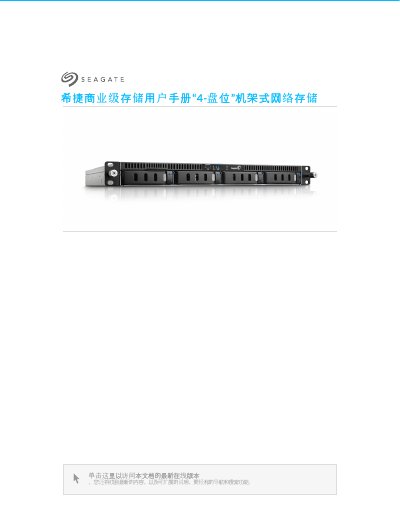
This manual covers the setup and operation of the Seagate 4‑Bay Rackmount Network Attached Storage (NAS). It includes regulatory compliance information, safety guidelines, system overview, and detailed hardware descriptions such as LED indicators, power supply, USB/eSATA ports, and battery safety.
Step‑by‑step procedures guide users through rack mounting, connecting network cables, installing drives, configuring the NAS operating system, and performing routine maintenance. A troubleshooting section addresses common issues like power‑on failures, USB device conflicts, overheating, and firmware updates. This manual is written in Chinese.
| USB / eSATA Ports | Supports USB devices and eSATA connections |
|---|---|
| Battery Type | Lithium‑ion battery, replaceable |
Check that the power cable is connected correctly and press the power button until the status LED turns on.
The NAS operating system automatically checks for updates and notifies you when a newer firmware version is available.