
The Seagate BlackArmor NAS 220 User Manual provides setup, configuration, and management instructions for the network‑attached storage server.
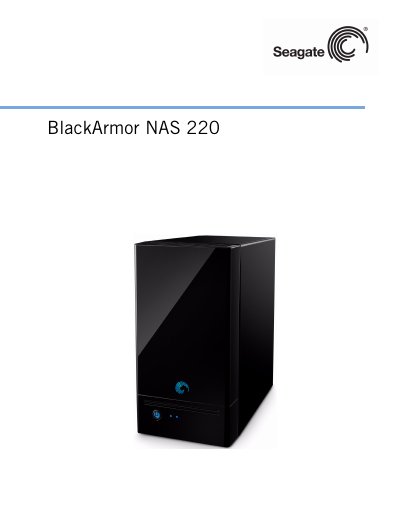
This guide covers everything needed to install and operate the BlackArmor NAS 220, including hardware components, required system specifications, and initial configuration steps. It explains the roles of administrators and users, and details how to connect the server to a network, create shares, and set up user accounts.
Later sections describe advanced features such as RAID management, backup options, power‑saving settings, security (SSL, UPS), and troubleshooting tips. Technical specifications, glossary terms, and an index are also included for quick reference. This manual is written in Chinese.
| Network connection | 1 × 10/100/1000 Ethernet RJ‑45 |
|---|---|
| USB ports | 2 × USB 2.0 |
| Power supply | 36 W external, 12 V DC output |
| Hard drives | 2 × SATA II drives (replaceable) |
| Dimensions (H×W×D) | 200 mm × 118 mm × 189 mm |
| Operating temperature | 5 °C to 35 °C (41 °F to 95 °F) |
| Power input voltage | 100 V–240 V AC, 50 Hz–60 Hz |
The BlackArmor NAS 220 can support up to 20 users.
It uses two replaceable SATA II hard drives.
It requires 100 V–240 V AC input, 50 Hz–60 Hz, and consumes 36 W.