
The Seagate 8‑bay rackmount NAS user manual provides installation, hardware maintenance, safety, and troubleshooting instructions.
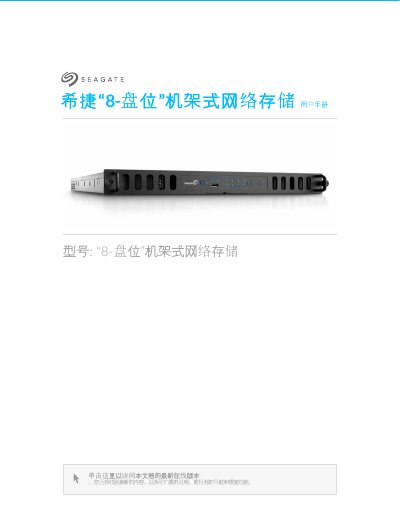
This manual covers everything needed to set up and operate the Seagate 8‑bay rackmount network storage device. It includes regulatory compliance information, safety guidelines, system overview, hardware specifications, and step‑by‑step installation procedures.
Later sections detail hardware maintenance tasks such as replacing power supplies, hard drives, fans, DIMM modules, and battery safety, as well as troubleshooting tips and LED indicator meanings. This manual is written in Chinese.
| Drive bays | 8 |
|---|---|
| Power supply redundancy | Redundant dual power supplies |
| Purple LED indicator | Indicates backplane‑to‑motherboard communication failure |
Make sure the power cable is connected and press the power button until the status LED turns on.
Disconnect the USB device and restart the system.