
Fleck 7000 Water Softener Installation and Start-Up Guide

Introduces the installation and use of the Fleck 7000 water softener
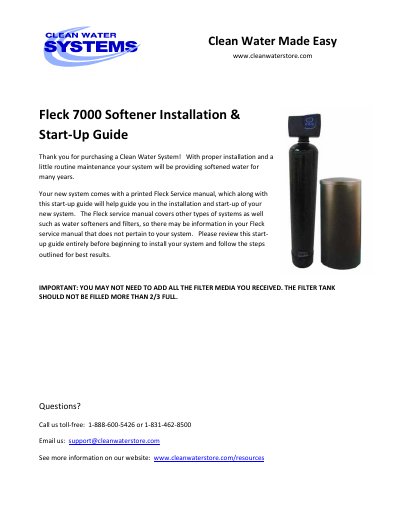

Fleck 7000 Water Softener Installation and Start-Up Guide - cover page
Brand
Fleck
Document type
Installation Guide
Language
English
Pages
19
File format
PDF
File size
1.3 MB
Published
18 October, 2023
Updated
18 October, 2023
MD5 checksum
013AA3E4AEA441DD2B61A507D0042F6B

About this manual

This guide provides instructions for installing and starting up a Fleck 7000 water softener. It includes details on packing list verification, pre-installation steps, piping and drain setup, and how the system works. The guide also covers installation procedures, maintenance, and troubleshooting tips for common issues like brine solution flow or regeneration problems.

The system comes with components such as a control valve, filter tank, brine tank, media funnel, and resin. Installation requires connecting inlet and outlet pipes, attaching the brine line, and ensuring proper drainage. The softener regenerates automatically every 14-21 days to remove hardness minerals using salt brine.

What's inside

  • Packing List
  • Pre-Installation
  • Best Practices for Piping & Drain Installation
  • How Your Softener Works
  • Installation Instructions
  • Maintaining Your Softener 7000 System
  • Troubleshooting the Fleck 7000 Softener
  • More Troubleshooting Tips

Frequently asked questions

What is the minimum water pressure required for the Fleck 7000 softener?

A minimum of 20 PSI is required.

How long does the first backwash and rinse cycle take after installation?

It takes 90 minutes.

What is the maximum water pressure the softener can handle?

Maximum pressure is 90 PSI.

What is the maximum fill level for the filter tank?

The filter tank should not be filled more than 2/3 full.

Download PDF (1.3 MB)

More Fleck Manuals


View all Fleck manuals →