
This manual introduces the features and usage of the Fleck SXT timer.
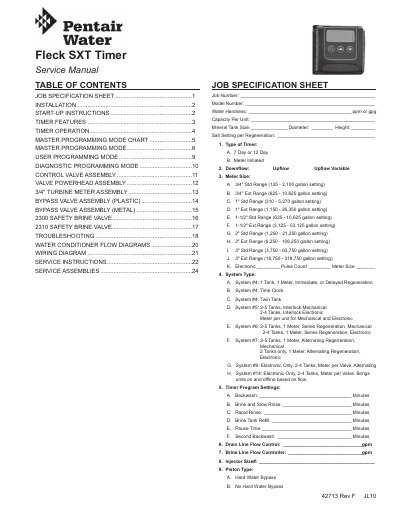
This service manual covers installation, operation, and programming of the Fleck SXT Timer. It includes detailed instructions for setting up meter-initiated and time-clock controls, regeneration cycles, and troubleshooting. The timer features power backup for up to 48 hours during outages and can queue or manually trigger regeneration cycles. It supports various system types including twin tank and multi-tank configurations with different meter sizes and flow controls.
The manual also details valve assemblies, wiring diagrams, and service instructions for components like turbine meters and bypass valves. Programming modes include master, user, and diagnostic modes, with step-by-step guidance for adjusting settings such as backwash time, brine refill, and regeneration schedules.
The control continues to keep time and the passage of days for a minimum of 48 hours in the event of power failure.
Press and hold the Extra Cycle button for five seconds to start regeneration immediately.
The control shifts into a power-saving mode, stops monitoring water usage, and shuts down displays and motor, but continues to track time and day for up to 48 hours.
Yes, press the Extra Cycle button to queue a regeneration. Press it again to cancel.