
Color Light Stream Lighted Rain Waterfall installation manual
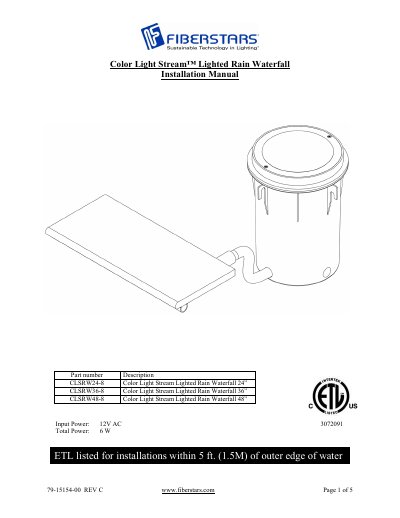
This manual provides step-by-step installation instructions for Fiberstars' Color Light Stream™ Lighted Rain Waterfall systems, including plumbing, fiber, and electrical setup. It covers deck box installation, conduit connections, wiring, and water flow adjustment. The system includes pre-assembled components and requires a 12VAC power supply. Winterizing and startup procedures are also detailed.
The manual specifies minimum installation requirements, such as 2” lip extension from the pool wall and 1 ½” PVC SCH 40 pipe for water supply. It includes diagrams and notes on proper drainage, paint trimming, and light control operations.
| Input Power | 12V AC |
|---|---|
| Total Power | 6 W |
| Water Flow Minimum | 5–8 GPM per foot of width |
| Fiber Extension | 2” from fall lip |
The minimum water flow is between 5 and 8 GPM (gallons per minute) per foot of waterfall width.
The rock trap should be installed in a horizontal position with the debris trap pointing down, and the flow arrow must point towards the waterfall.
The 12VAC conduit for the wire should be no less than ¾” in diameter.
Switch to on position – Light turns on, color is white and synchronization begins. Switch off/on – Synchronization stops on desired color. Switch off/on – Continue Synchronization from last color. Switch off for 3 seconds – unit resets to step #1.