
Tobii Dynavox EyeMobile Plus User’s Manual
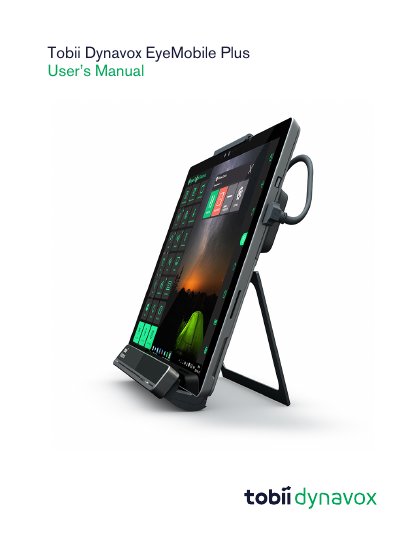
The Tobii Dynavox EyeMobile Plus is a mobile eye-tracking device designed for augmentative and alternative communication (AAC) and computer access. It features built-in eye tracking, infrared remote, microphone array, and switch ports for hands-free control. The device runs on Windows and supports Windows Hello for facial recognition login. It is intended for users with limited mobility or communication abilities. The manual covers setup, safety, battery use, and software compatibility.
The device includes safety warnings for hearing, battery, and environmental use. It is not intended for medical device control. The manual provides instructions for positioning the user, programming IR signals, configuring settings, and maintaining the device.
| Battery Type | Li-ion Polymer |
|---|---|
| Operating Temperature Range | 0 ℃ to 45 ℃ |
| Maximum Safe Temperature | 60 ℃ |
It is an integrated mobile solution for AAC and computer access, allowing users to control a Windows tablet using eye movements, switches, or voice.
Yes, it can be configured to use Windows Hello’s biometric facial recognition login.