
This is a user manual for Tobii Dynavox PCEye 5
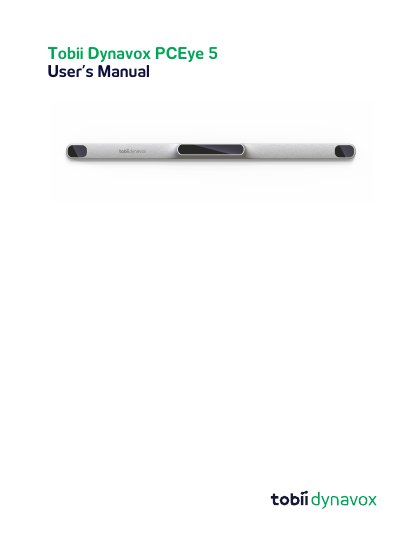
The Tobii Dynavox PCEye 5 is an advanced clip-on eye tracker intended to provide hands-free computer access and augmentative and alternative communication (AAC) for users with speech or mobility challenges. It allows users to control a mouse cursor, select commands via dwelling, zooming, and clicking switches using only their eyes.
The document covers safety warnings regarding mounting, epilepsy, infrared light, and magnetic fields, as well as system requirements including Windows 10 (64-bit) and specific processor speeds. It details the setup process, positioning tips for both indoor and outdoor use, and instructions on cleaning and transporting the device.
| Operating System | Windows 10 (64-bit) RS3 or newer |
|---|---|
| Processor Requirement | 2.0 gigahertz (GHz) or faster |
| Memory Requirement | 8 gigabyte (GB) RAM |
| Hard Disk Space | 450 megabyte (MB) |
It is used for Computer Control for Augmentative and Alternative Communication (AAC) and/or computer access purposes as an alternative input device.
No, while it controls a computer, it is not intended for the control of any other medical devices.
Users with Photosensitive Epilepsy may experience seizures when exposed to flashing lights or light patterns from the eye tracker.