
This document is the user manual for Tobii Dynavox I-Series I-110, which describes the features and characteristics of the product.
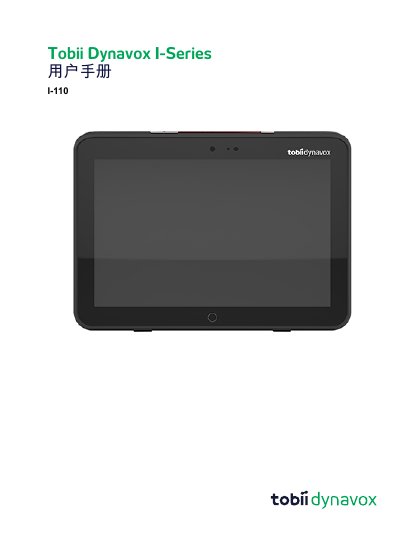
The Tobii Dynavox I-Series I-110 is a dedicated speech-generating device (SGD) intended as an Augmentative and Alternative Communication (AAC) tool for users with physical or cognitive impairments. It runs on Windows 10 and supports various input methods, including touch, external buttons, and scanning.
The manual covers the product's overview, safety precautions regarding hearing protection and temperature limits, battery charging procedures, and detailed operating instructions for starting, closing, and adjusting settings. It also includes maintenance guidelines and technical specifications. This manual is written in Chinese.
It is a speech-generating device designed for individuals with speech, language, physical, or cognitive impairments to assist with communication, computer access, and environmental control.
No, although it has an IP54 rating that allows it to withstand light rain or snow, it must not be exposed to heavy rain or weather conditions outside its technical specifications.
If the internal temperature sensor detects a temperature higher than the maximum allowed, the device will automatically trigger a Windows shutdown to prevent user injury.