
This manual provides instructions for installing, configuring, and using the TDSnap AAC software for communication support.
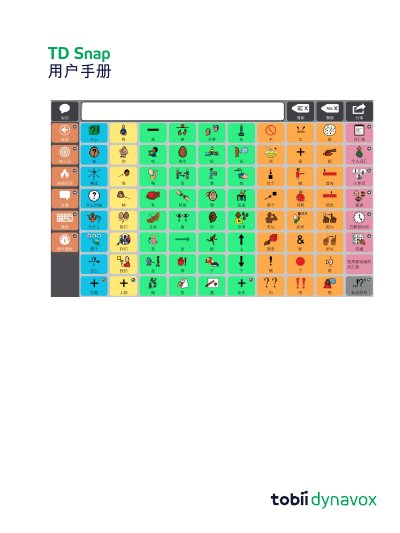
The TDSnap User Manual is a comprehensive guide for the TDSnap Augmentative and Alternative Communication (AAC) software, version 1.28. It covers system requirements for Windows and iPadOS, installation methods, and user account management. The document details how to create and manage users, select page sets, and configure navigation methods including eye-tracking and touch options.
The guide extensively covers the software's interface, including the top menu bar, message bar, and toolbar functions. It provides step-by-step instructions for editing buttons, pages, and page sets, customizing vocabulary filters, and integrating with Google Assistant. Additionally, it explains how to share, backup, and restore user data and page sets. This manual is written in Chinese.
| Operating System (Windows) | Windows 10 1803 version x64 |
|---|---|
| Operating System (iPadOS) | iPadOS 11 |
| Device (iPadOS) | iPad Air 2 |
You can purchase the voice function by selecting the 'Voice Disabled' button in the top menu bar and completing the secure transaction within the application.
The minimum requirement is 2GB of RAM.
The supported devices are iPad Air 2 and iPad Mini 4.
You must purchase the voice features within the application.