
Tobii Dynavox PCEye 5 User's Manual, introduces the features and usage methods of PCEye 5 products
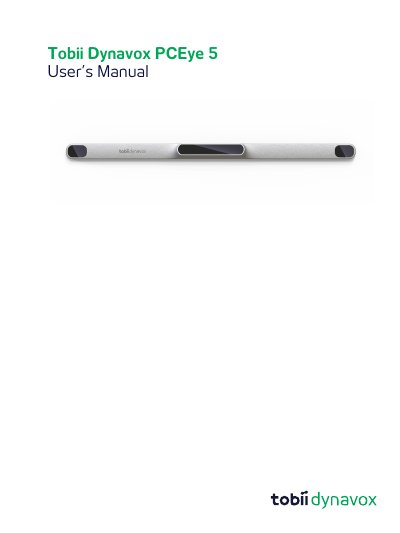
The Tobii Dynavox PCEye 5 is a clip-on eye tracker designed as an alternative input device to keyboards and mice. It enables users with challenges in speaking or accessing computers due to injury, disability, or illness to access and control their computer simply by looking at the screen. The device supports functions such as dwelling, zooming, clicking switches, and direct mouse cursor control via eye movements.
The device is intended for Computer Control for Augmentative and Alternative Communication (AAC) and/or for computer access purposes as an alternative input device.
It is a clip-on eye tracker that lets you access and control your computer using only your eyes.
The computer must have a 2.0 gigahertz (GHz) or faster processor.
The system requires 8 gigabyte (GB) RAM.