
Extech MO750 soil moisture meter is a portable digital meter designed for checking soil moisture level.
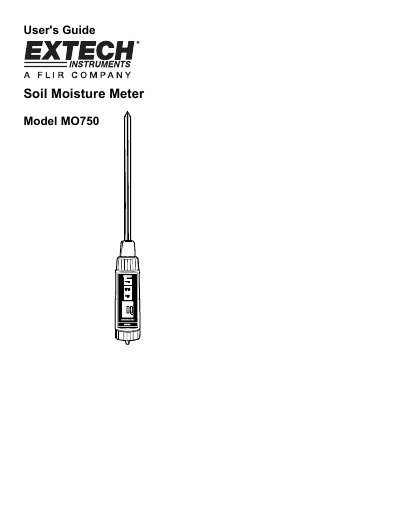
This user guide explains how to operate the Extech MO750 soil moisture meter, including setup, measurement, data hold, and record functions. It details the meter’s specifications such as measurement range (0–50% moisture), resolution (0.1%), and power requirements (4 AAA batteries). The device features a stainless steel probe, waterproof housing, and LCD display for easy use in harsh environments.
The guide also covers preparation steps like inserting the probe and batteries, soil measurement procedures, and handling low battery conditions. It includes technical specifications, warranty information, and contact details for support and calibration services.
| Measurement Range | 0% to 50% moisture content of soil sample |
|---|---|
| Resolution | 0.1% |
| Accuracy | ±(5% +5digits) FS @23±5°C |
| Power Supply | 4 AAA batteries |
| Operating Temperature | 32 to 122°F (0 to 50°C) |
| Operating Humidity | < 80% RH |
| Dimensions (Meter) | 172 x 40 x 40 mm (6.8" x 1.6" x 1.6") |
| Probe Dimensions | 220 mm x Dia. 10 mm (8.7" x Dia. 0.4") |
| Weight | 267g / 0.58 LB. with battery |
| Power Current | 12mA DC (Aprox) |
The measurement range is 0% to 50% moisture content of soil sample with 0.1% resolution.
It operates on 4 AAA batteries (UM4/AAA).
The operating temperature range is 32 to 122°F (0 to 50°C).
A low battery icon will appear on the LCD display.