
This is a user's manual for Extech AN100 CFM/CMM Thermo Anemometer
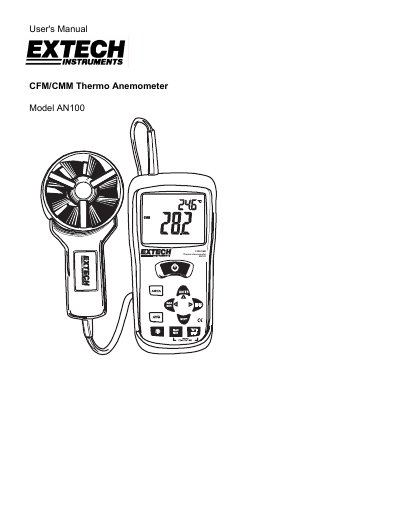
This user manual provides instructions for operating the Extech AN100 CFM/CMM Thermo Anemometer. It explains how to measure air velocity, airflow (volume), and temperature using its backlit LCD display. The manual covers connecting the vane sensor, selecting units, averaging readings, and using memory for area dimensions. It also details data hold, max/min/average recording, and battery replacement procedures.
Technical specifications include air velocity ranges (m/s, km/h, ft/min, mph, knots), airflow ranges (CMM/CFM), temperature range (14-140°F), and operating conditions such as temperature, humidity, and battery life.
| Air Velocity Range (m/s) | 0.40 - 30.00 m/s |
|---|---|
| Air Velocity Resolution (m/s) | 0.01 m/s |
| Air Velocity Accuracy (m/s) | ± (3% + 0.20 m/s) |
| Air Temperature Range | 14 - 140 °F (-10 - 60 °C) |
| Air Temperature Resolution | 0.1 °F/C |
| Air Temperature Accuracy | 4.0 °F (2.0 °C) |
| Operating Temperature | 32°F to 122°F (0°C to 50°C) |
| Battery Type | One 9 volt (NEDA 1604) battery |
| Battery Life | 80 hours approx. |
Insert the vane plug into the meter’s sensor jack at the top. Turn it carefully until it lines up and push firmly. Do not twist or apply undue force.
Press and hold the AVG button until it beeps twice. Take measurements and press AVG to store each reading. After 5 seconds, the display returns to current reading. Press and hold AVG again to return to standard mode.
Disconnect the sensor, remove the rubber jacket, open the battery compartment with a Phillips screwdriver, replace the 9V battery, and close the compartment and jacket.