
This manual introduces the use of the MA1500 true RMS clamp meter, including measuring AC current, DC current, AC/DC voltage, resistance, capacitance, frequency, diode test, duty cycle and continuity.
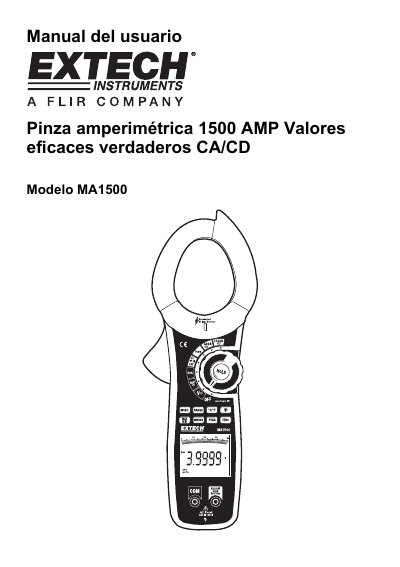
This document is the user manual for the Extech MA1500 True RMS clamp meter. It provides instructions on using the device's features, including non-contact voltage detection, AC/DC current measurement, and various electrical tests like continuity and diode testing. The manual also details safety precautions and the specific functions available on the LCD display. This manual is written in Spanish.
| Max AC/DC Current | 1500A |
|---|---|
| Max AC/DC Voltage | 1000V |
| Resistance/Continuity Max Voltage | 250V |
| Temperature Type K | 30V DC, 24V AC |
The maximum current measurement is 1500A for both AC and DC.
Place the tip of the detector on the conductor; if AC voltage is present, the red VSC light will turn on.
Select DC mode, place no conductor in the jaw, and press the ZERO button.