
The Extech 421501 Type K Digital Thermometer measures temperature with a Type K thermocouple. The thermocouple attaches to the meter with a sub-miniature plug. The meter's display is backlit and includes a Data Hold feature. Other features include Max Temperature and selectable units/resolution. This meter is shipped fully tested and calibrated and, with proper use, will provide years of reliable service.
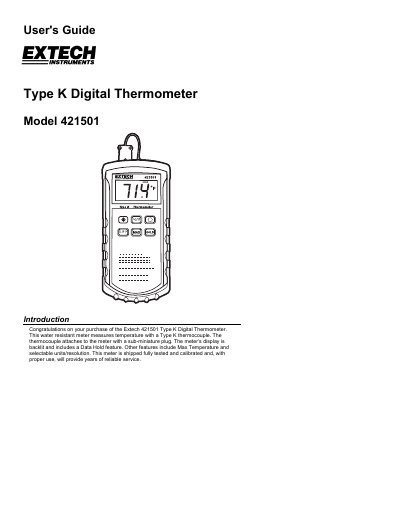
This user guide explains how to operate the Extech 421501 Type K digital thermometer, including powering on, connecting a thermocouple, selecting units and resolution, using backlight and data hold, and entering max temperature mode. It also covers battery replacement, cleaning, and calibration services.
The thermometer measures temperature with a Type K thermocouple, has a 3-1/2 digit LCD display, and is water resistant. It includes features like data hold, max temperature tracking, and selectable units (°C or °F) with resolution options of 1° or 0.1°.
| Display | 3-1/2 digit LCD (2000 counts) |
|---|---|
| Battery Power Supply | 9V DC battery |
| Dimensions / Weight | 7.5 x 3.6 x 2.1” (192 x 91 x 52.5mm); 11.7oz. (365g) |
| Range / Resolution | -58 to 2000°F (-50 to 1300°C); 1°F or 0.1°F/°C |
| Accuracy | ±(0.3% of reading + 2°F) from -58°F to 2000°F |
| Operating Conditions | 32 to 122°F (0 to 50°C); less than 80% RH |
The supplied thermocouple can only be used to measure temperature up to 500°F (260°C).
Press the backlight button (sun symbol) to turn the LCD backlight ON.