
This electronic document is a quick installation guide for EMV1200 FHD / EMV800 FHD 12CH/8CH Hybrid Mobile DVR
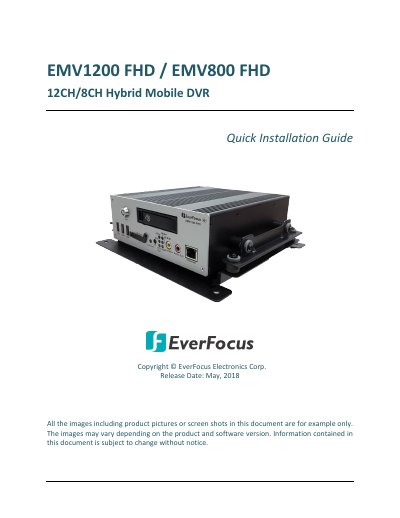
This document serves as a Quick Installation Guide for the EverFocus EMV1200 FHD and EMV800 FHD Hybrid Mobile DVRs. It details the system requirements, packing list, and recommended installation locations within a vehicle to ensure proper operation and airflow. The guide emphasizes avoiding high-vibration areas and provides specific mounting instructions using the supplied bracket.
| Video Compression | H.264 |
|---|---|
| Analog Camera Support | up to 1080p |
| IP Camera Support | up to 4MP |
| HDD Capacity | up to 2TB |
| SSD Capacity | up to 4TB |
| SD Card Capacity | up to 128GB |
| Power Input | 9 ~ 36VDC |
| Power Output | 12VDC, 5A |
The computer must run Windows XP (32-bit) or Win7 (32 and 64-bit) with an Intel Core I3-2100 CPU, 2GB RAM, and a 10/100/1000 Mbps LAN.
Recommended locations include the bottom of the glove box or underneath the bulkhead, avoiding the floor or transmission access hatch due to high vibration.
No, the mobile DVR does not support hot swap. You must power off the device completely before removing the hard disk.