
D-Link ShareCenter Pulse DNS-320 User Manual introduces the features and characteristics of the product, including hardware overview, basic installation, Web user interface, as well as setup, advanced, maintenance, and status sections
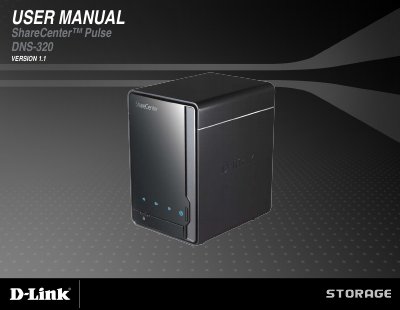
This manual covers installation, hardware setup, software configuration, and web interface management for the D-Link ShareCenter Pulse DNS-320. It includes sections on RAID configurations, user management, network shares, FTP server, UPnP AV, and maintenance. The device supports two 3.5” SATA hard drives and offers features like scheduled backups, real-time backups, and USB copy functionality. The guide also explains how to access the device via web browser and configure settings such as time, language, and power management.
| Operating Temperature | 0 ~ 40°C |
|---|---|
| Operating Humidity | 90% Maximum (Non-condensing) |
| Storage Temperature | -20 ~ 50°C |
| Storage Humidity | 5 ~ 90% (Non-condensing) |
| Dimensions | 18.2 x 14.6 x 11.3 cm (h/l/w) |
| Weight | 0.8 kg |
| Ethernet Port | 1 x 10/100/1000 Gigabit Ethernet Port |
| Hard Drive Type | SATA I/ II |
| Power Adapter | 12V/4A |
Computer with 1GHz processor / 512 MB RAM / 200 MB available space / CD-ROM drive, Internet Explorer 7.0 or Mozilla Firefox 3.0 and above.
Standard, JBOD (Linear), RAID 0, and RAID 1.
Power management conserves energy and extends hard drive life.