
This manual introduces the basic use methods of D-Link E15 AX1500 Mesh Range Extender, including installation, configuration and troubleshooting, helping users get started quickly.
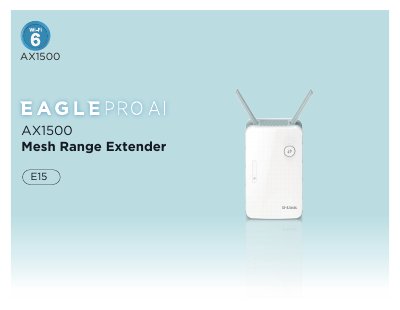
The D-Link E15 is a compact AX1500 Smart Range Extender designed to extend wireless network coverage in homes and small offices. It supports the latest 802.11ax (Wi-Fi 6) technology, offering speeds up to 1,500 Mbps and utilizing MU-MIMO and OFDMA to handle multiple devices efficiently. The device features an AI-optimized management system via the EAGLE PRO AI app and supports advanced security protocols like WPA3.
| Wireless Standard | IEEE 802.11ax/ac/n/g/b/a |
|---|---|
| Maximum Wireless Speed | up to 1,500 Mbps |
| Wireless Frequency Range | 2.4 GHz to 2.4835 GHz, 5.18 MHz to 5.85 MHz |
| Ethernet Port | 10/100/1000 Gigabit |
| Wireless Security | WPA3/WPA2/WPA-Personal |
| Operating Temperature | 0 to 40 °C (32 to 104 °F) |
| Dimensions | 105 x 63.5 x 50 mm |
| Weight | 170 grams (6.0 oz) |
The device automatically switches to a power-saving Network Standby mode within 1 minute of no packets being transmitted, consuming 4.47 watts.
Use an unfolded paperclip to press and hold the reset button on the bottom side for 1-2 seconds until the Status LED turns red.
A single solid orange LED on the Signal Indicator indicates that the E15 is not connected to a host network.