
This manual describes how to use the Panasonic DP-UB420 and DP-UB320 Blu-ray Disc players.
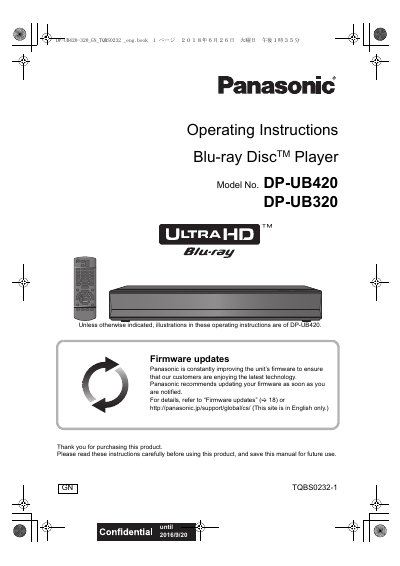
This user manual provides safety precautions, setup instructions, and playback guidance for the Panasonic DP-UB420 and DP-UB320 Blu-ray Disc Players. It covers handling media, connecting to TVs and networks, firmware updates, and troubleshooting. The guide also includes warnings about laser use, battery handling, and environmental conditions to ensure safe operation.
The manual includes sections on playable media formats, remote control usage, cleaning procedures, and compatibility with High Dynamic Range (HDR) TVs. It also addresses copyright protection via Cinavia technology and provides disposal instructions for the unit and batteries.
The model number is DP-UB420 or DP-UB320.
Check your TV settings to enable HDR if using a compatible TV, or play the disc in non-HDR quality if the TV does not support HDR.
Insert R6/LR6, AA batteries so that the (+ and —) matches the remote control terminals.