
This manual describes the basic operation and maintenance of PPC-3211SW/3181SW.
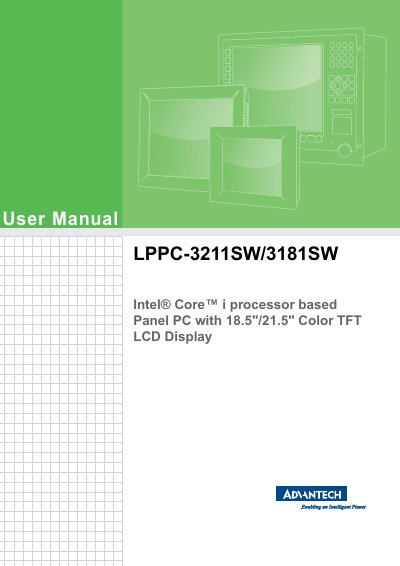
This document is the user manual for the Advantech LPPC-3211SW/3181SW, an Intel Core i processor based Panel PC equipped with 18.5 or 21.5-inch Color TFT LCD displays. The guide provides comprehensive instructions for system installation, including memory card, HDD, and wireless LAN card installation, as well as various mounting options such as wall, panel, arm, and stand mounting.
The manual details jumper settings for the motherboard, software setup procedures including driver installation and BIOS configuration, and includes specific sections on safety instructions and warranty information. It serves as a complete reference for end users and technicians setting up and maintaining the device.
| Processor | Intel Core i processor |
|---|---|
| Display Size | 18.5"/21.5" |
| Warranty Period | 2 years |
| Sound Pressure Level | 70 dB (A) |
Advantech warrants the original purchaser that its products will be free from defects in materials and workmanship for two years from the date of purchase.
You can visit the Advantech website at http://support.advantech.com or contact your distributor, sales representative, or Advantech's customer service center.
Collect information about the problem, call your dealer, obtain an RMA number, pack the product with proof of purchase, and ship it prepaid to your dealer.