
This manual introduces the features and usage methods of T.sonic™ 615, as well as precautions.
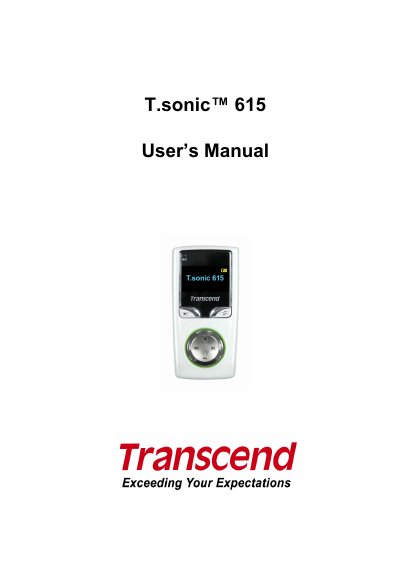
This manual guides users through operating the T.sonic™ 615 MP3 player, including music playback, FM radio, voice recording, and file management. It covers system requirements, safety precautions, player controls, and troubleshooting steps. The device supports MP3, WMA, and WAV formats, features a dual-color OLED screen, and includes a rechargeable battery for over 15 hours of playback.
The manual also explains how to connect the player to a computer via USB 2.0, transfer files using MTP, install utility software, and manage settings like equalizer, sleep timer, and language. It includes safety warnings about headphone volume and advises users to back up data to avoid loss.
| Battery Type | Internal rechargeable Li-ion battery |
|---|---|
| Supported Formats | MP3, WMA, WMA-DRM10, WAV |
| Display | Vivid dual-color OLED screen |
| Playback Speed | Variable track playback speeds (0.67x to 1.33x) |
| Languages | 13 languages including menus, song/album title, artist name and lyrics |
| FM Stations | 20 station presets |
Connect the device to your computer via the high-speed mini USB 2.0 port. Ensure the computer has the necessary USB drivers for Hi-Speed USB 2.0 data transfer.
It supports MP3, WMA, WMA-DRM10, and WAV formats.
The internal rechargeable Li-ion battery provides over 15 hours of continuous music playback, with screen saver set to “Blank” and “Lyrics Sync” disabled.
Check if the T.sonic 615 is properly connected to the USB port, ensure the switch is set to “OFF” and then to “ON”, and verify the battery is charged.