
The Transcend Wi‑Fi SD user manual explains setup, app installation, connection methods, settings, firmware updates and troubleshooting.
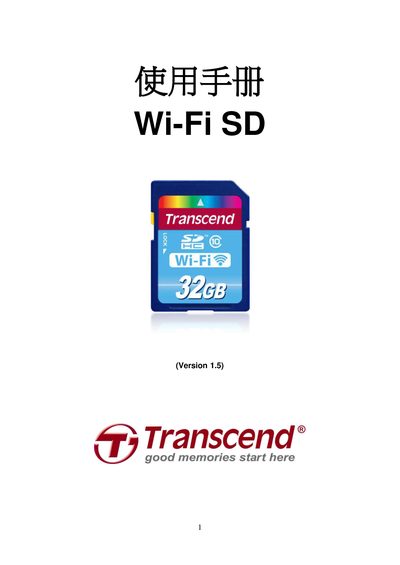
This manual provides step‑by‑step instructions for using the Transcend Wi‑Fi SD card. It covers product features, system requirements, installing the free Wi‑Fi SD app on iOS and Android, and how to connect devices via instant‑share or internet mode.
Additional sections describe how to change settings, restore factory defaults, update firmware, view product specifications, and obtain warranty or support information. This manual is written in Chinese.
| Supported photo formats | JPG, BMP, PNG, RAW |
|---|---|
| Supported video formats | AVI, MOV, MP4, M2T, MTS, M2TS |
| SD standard compliance | SD 3.0 |
| Speed class | SDHC Class 10 |
| Default Wi‑Fi password | 12345678 |
The default password is 12345678.