
This manual introduces the basic operation methods of MP350 digital music player, including battery charging, file import and export, music playback, recording, alarm clock, timer and other functions.
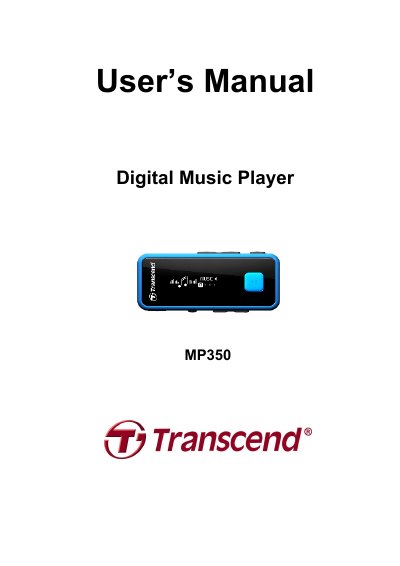
This manual covers operating the Transcend MP350 digital music player, including music playback, FM radio, voice recording, and file management. It also details safety precautions, charging, troubleshooting, and specifications. The device supports MP3, WMA, and WAV files, has a Hi-Speed USB 2.0 interface, and includes features like lyrics sync and A-B repeat. The player comes with earphones, a USB cable, and a lanyard.
| Size (L x W x H) | 67 mm × 26.5 mm × 11.7 mm (without clip) 67 mm × 26.5 mm × 18.3 mm (with clip) |
|---|---|
| Weight | 22g |
| Music Formats | MP3, WMA and WAV |
| Recording Format | IMA_ADPCM (WAV) |
| Estimated Battery Life | 12 hours (fully charged battery) |
| Compression Rates | 32Kbps to 320Kbps |
| Signal-to-Noise Ratio | ≥ 90dB |
| Certifications | CE, FCC, BSMI |
| Warranty | 2-years |
Open your Windows Media Player program. Click on the “Help” menu and select the “About Windows Media Player” option. The version of your Windows Media Player will be displayed on the computer screen.
For detailed Lyrics Sync instructions, please see the FAQ section on our website at: http://www.transcend-info.com/Support/FAQ/
This means the device supplying USB power to your digital music player is not outputting stable or adequate voltage to charge the player’s internal battery (usually a result of a USB hub or extension cable used). This message does not indicate a problem with the music player.
The MP350 features Sleep Mode and Auto Power Off functions, which are power-saving features. You can preset your MP350 to power-off automatically. Please refer to the SETTINGS section for more information.