
StoreJet 25 is a portable hard drive from Transcend. It is rugged, portable, and supports high speed data transfer. It is the perfect choice for storing and transferring data.
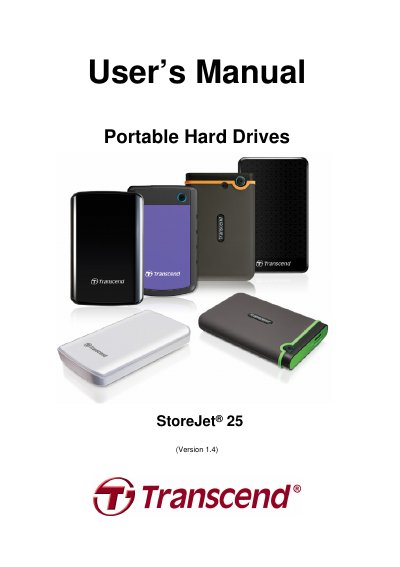
This manual guides users through connecting, formatting, and using the Transcend StoreJet 25 portable hard drive. It includes instructions for Windows, Mac OS, and Linux systems, along with safety precautions and power requirements. The drive features USB 3.0/2.0 compatibility, a One Touch Auto-Backup button (on select models), and comes with Transcend Elite backup software. Users are advised to avoid extreme temperatures, water exposure, and improper handling to ensure longevity and performance.
| Storage Media | 2.5-inch SATA Hard Disk Drive |
|---|---|
| Power Supply | 5V DC supplied from the USB port(s) |
| Connection Interface | USB 3.0 / USB 2.0 |
| Operating Temperature | 5℃ (41 ℉) to 55 ℃ (131℉) |
| Warranty | Three-year Limited |
Plug the USB cable into the StoreJet 25 and into a USB 2.0 or 3.0 port on your computer. For power issues, use a USB Y-cable with both ends connected to USB ports.
Yes, it includes a One Touch Auto-Backup button (on select models) and comes with Transcend Elite backup software.
Disconnect the drive, restart your computer, and reconnect the drive. If the issue persists, check BIOS settings or consult your computer’s manual.