
This manual introduces the basic operations of DrivePro Body Toolbox, including device connection, device status, device settings, file management, etc.
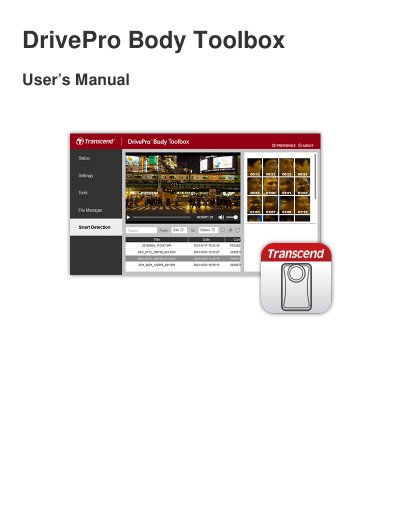
The Transcend DrivePro Body Toolbox is a PC application designed to manage Transcend DrivePro Body body cameras. Supported models include the DrivePro Body 70, 60, 52, 30, 20, 10B, and 10A. The software requires a Windows 10 or later (64-bit) or macOS 10.14 or later (Intel chip) operating system.
| Supported Operating Systems | Microsoft Windows 10 or later (64-bit); macOS 10.14 or later (Mac with Intel chip) |
|---|---|
| Required Framework | Microsoft .Net framework 4.6.1 or later |
| Video Resolution Options | 1080p/60fps / 1080p/30fps / 720p/60fps / 720p/30fps / 480p |
| Video Format Options | MOV / MP4 |
| Video Length Options | 3 mins / 5 mins / 10 mins |
The software supports the DrivePro Body 70, 60, 52, 30, 20, 10B, and 10A.
Press the power button and snapshot button at the same time for five seconds.
When Stealth Mode is on, the light indicators and buzzer are disabled.