
The document is about the introduction of a product from a certain brand. The product has unique features and characteristics.
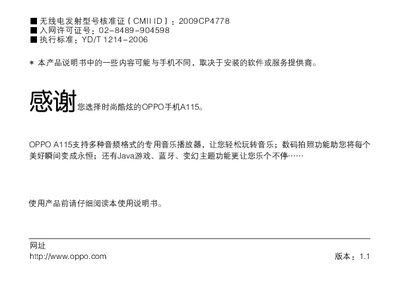
This manual explains how to safely use the OPPO A115 mobile phone, covering important safety rules, required accessories, battery handling, and warnings for use near fuel, aircraft, or medical equipment. It also lists the standard package contents such as the handset, battery, charger, USB cable, earphones, manual, and warranty card.
The guide walks you through basic functions, menu navigation, SIM‑card installation, charging, and connecting the phone to a PC. Additional sections cover troubleshooting, health and safety information, and a summary of the phone’s technical specifications including dimensions, weight, screen, camera, battery, and network support. This manual is written in Chinese.
| Product Name | GSM双频GPRS功能数字移动电话机 |
|---|---|
| Model | OPPO A115 |
| Weight | ≈96 g (including battery) |
| Dimensions | 113 mm × 51 mm × 12 mm |
| Battery | 3.7 V 850 mAh Li‑ion |
| Screen | 2.4" TFT QVGA (240 × 320) |
| Camera | 0.3 MP CMOS |
| Network Frequencies | GSM 900 MHz / DCS 1800 MHz |
| Memory Card Support | microSD |
The standard package contains the handset, one battery, a travel charger, a USB data cable, earphones, the user manual, and a warranty card.
Connect the phone to a computer using the provided USB data cable to use it as a video device for video chat or file transfer.