
This is an OPPO mobile phone user manual
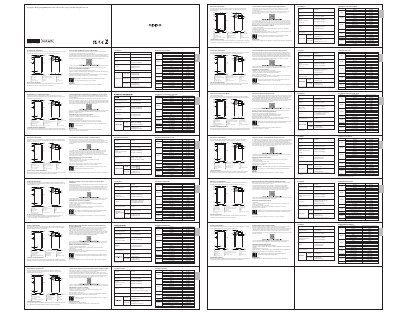
This manual explains how to use the OPPO CPH2343 smartphone, including rebooting, transferring data from old phones, and using accessories. It also details the phone’s specifications such as battery capacity, screen size, and camera features.
The guide includes multilingual sections for French, Dutch, Italian, Czech, and Romanian, with instructions for transferring data from Android or iPhone devices using the OPPO Clone Phone app or iCloud migration.
| Battery Capacity | 4385mAh/16.96Wh (Min) 4500mAh/17.41Wh (Typ) |
|---|---|
| Screen Size | 6.43" (16.33cm) |
| Rear Camera | 64-megapixel + 2-megapixel + 2-megapixel |
| Front Camera | 16-megapixel |
| Dimensions | 159.8×73.2×7.49 mm |
| SAR Head | 0.967 W/kg |
| SAR Body | 1.294 W/kg |
| SAR Limb | 2.789 W/kg |
| Software Version | ColorOS V12 |
Press and hold the Power Button and Volume Up Button simultaneously until the OPPO boot animation is displayed.
Use the OPPO Clone Phone app. For non-OPPO Android phones, install the app from Google Play; for iPhones, use iCloud migration.
The battery is 4385mAh/16.96Wh (minimum) or 4500mAh/17.41Wh (typical).
The screen is 6.43 inches (16.33 cm).