
OPPO Sonica is a Wi-Fi speaker that is designed with state of the art technology and features delivering unbeatable sound quality in a compact package. It can be placed virtually anywhere you have a power outlet, making it perfect for high resolution, multi-room music streaming that anyone with a smartphone or tablet can easily use.
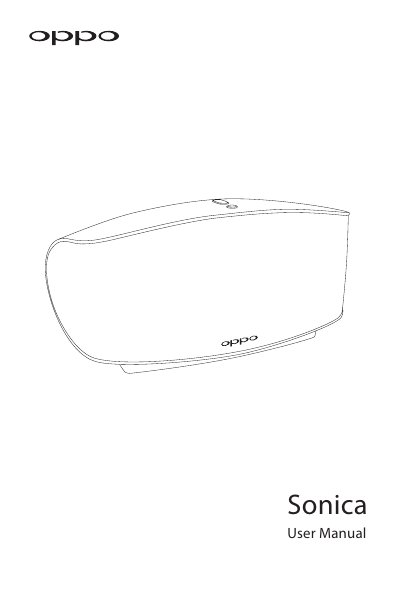
The OPPO Sonica is a compact Wi-Fi speaker designed for high-resolution multi-room music streaming. It features both Wi-Fi and Bluetooth connectivity, allowing users to stream audio from smartphones, tablets, DLNA servers, and NAS drives. The speaker supports high-resolution audio files up to 192 kHz / 24-bit and includes AirPlay and DLNA capabilities.
| Power Supply | 100 V - 240 V ~ 50/60 Hz |
|---|---|
| Power Consumption | 35 W / 6 W (Standby) |
| Size | 301 (L) x 147 (W) x 135 (H) mm |
| Weight | 2.4 kg (5.3 lb) |
| Wi-Fi Protocol | 802.11.a/b/g/n/ac |
| Bluetooth Standard | Bluetooth 4.1 |
| AUX Max Input | 2 Vrms |
| Audio Formats | AAC, AIF, AIFC, AIFF, APE, FLAC, M4A, ALAC, MP2, OGG, WAV, WMA |
| Drivers | 1 x 3.5" long displacement bass driver, 2 x 3" balanced bass radiators, 2 x 2.5" wideband drivers |
| Operating Temperature | 5 ℃ - 35℃ |
The Sonica supports AAC, AIF, AIFC, AIFF, APE, FLAC, M4A, ALAC, MP2, OGG, WAV, and WMA.
Activate pairing mode by pressing the volume buttons simultaneously or setting Pairing Mode to ON in the app, then enable Bluetooth on your device.
Yes, you can configure speakers into different groups for multi-room expansion or set up two speakers for stereo sound.
Firmware upgrades can be performed automatically via the network or manually via a connected USB drive.