
This document is the user manual for Sony's Blu-ray player BDP-105
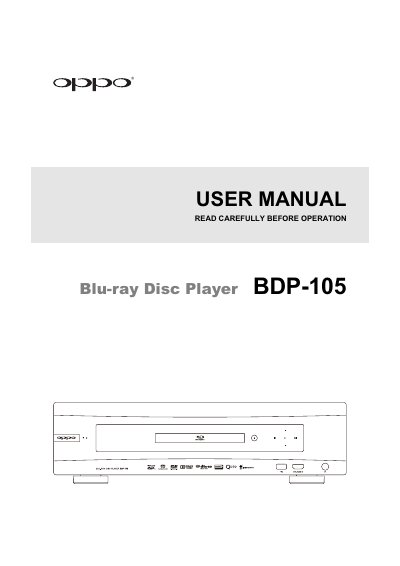
This user manual provides detailed instructions for installing, operating, and configuring the OPPO BDP-105® Blu-ray Disc Player. It includes safety guidelines, disc compatibility information, connection methods for various audio and video systems, and setup options for playback and network features. The manual also covers troubleshooting and specifications for the device.
The device supports Blu-ray, DVD, DVD-Audio, SACD, and AVCHD discs, with options for HDMI, analog, and digital audio connections. It includes features like BD-Live, Cinavia, and Gracenote for enhanced playback and metadata support. The manual also explains how to connect to the internet for streaming and network media sharing.
| Compatible Disc Types | Blu-ray, DVD, DVD-Audio, SACD, AVCHD |
|---|---|
| Power Input | AC ~ 115V/~230V, 50/60Hz |
| HDMI Options | Supports 480i/480p/720p/1080i/1080p |
The BDP-105® supports Blu-ray, DVD, DVD-Audio, SACD, and AVCHD discs.
You can connect the BDP-105® to a TV via HDMI, DVI, or analog outputs depending on your setup.
The acceptable power input range is AC ~ 115V/~230V, 50/60Hz.