
TM-H1950CG TM-H1750CG is a color video monitor from JVC. This document is its instruction manual.
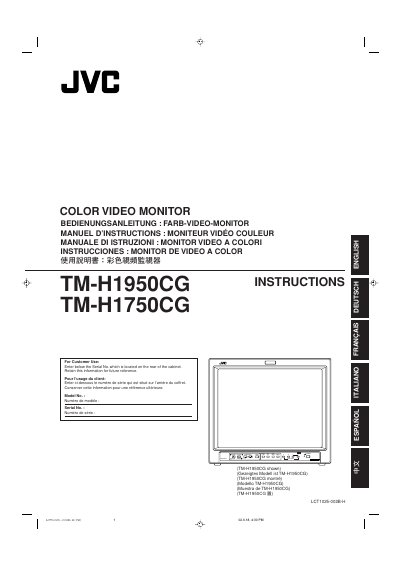
This manual provides instructions for operating the JVC color video monitors TM-H1950CG and TM-H1750CG. It includes safety precautions, power connection guidelines, and control descriptions. The monitor features a CRT display and multiple input options. Users are advised to follow safety rules to avoid hazards, including proper grounding and avoiding exposure to moisture or high voltages.
The front panel includes controls for contrast, brightness, color, and aspect ratio. The manual also covers input selection, menu functions, and troubleshooting for common issues such as screen burn or color distortion.
The monitor requires AC 120 V (U.S.A. and Canada) or AC 230 V (European countries or United Kingdom).
Press the ASPECT button to change the aspect ratio from 4:3 to 16:9.
Do not display a still image or extremely bright image for long periods to avoid screen burn.