
JVC Compact Joystick PTZ Controller RM-LP5G User Manual, supports 5 cameras, RS422/RS485, RS232, LAN, DC power supply interfaces, and includes 4 LED displays, 4 infinite knobs, 2 joysticks, 17 silicone buttons, and 5 preset short keys.
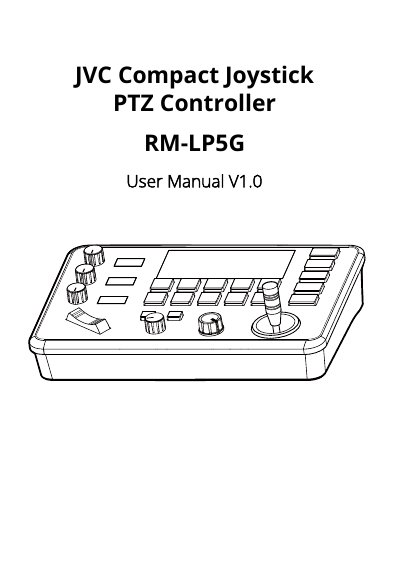
This manual provides instructions for the JVC RM-LP5G Compact Joystick PTZ Controller, a device designed for professional camera control. It details the controller's physical layout, including 5 communication channels, 4 infinitely variable knobs, a 2-axis joystick, and 17 silicon buttons. The document explains how to operate these controls for functions such as zoom, focus, pan/tilt, and exposure adjustments.
| Camera Channels | 5 |
|---|---|
| Infinitely variable knobs | 4 |
| Joystick | 2-Axis |
| Presets per Channel | Max 10 |
| Pan/Tilt Rotation Speed | 7-Level Adjustment |
| Zoom In/Out Speed | 7-Level Adjustment |
| Baud Rate | 2400bps, 4800bps, 9600bps, 19200bps, 38400bps |
| Rated Voltage | DC 12V |
| Max Power Consumption | 3.6W |
| Working Temperature | 0℃ ~ 40℃ |
| Dimensions | 244 × 164 × 48mm |
The controller supports VISCA, PELCO P/D, and UDP protocols.
A maximum of 10 presets can be set for each channel.
The rated voltage is DC 12V.
Firmware is upgraded by connecting a laptop directly to the controller using a Micro USB cable and upgrade tools software.