
JVC D-ILA Home Theater Projector Initial Setup Manual for iOS App

This document describes how to use iOS App to control JVC D-ILA projector
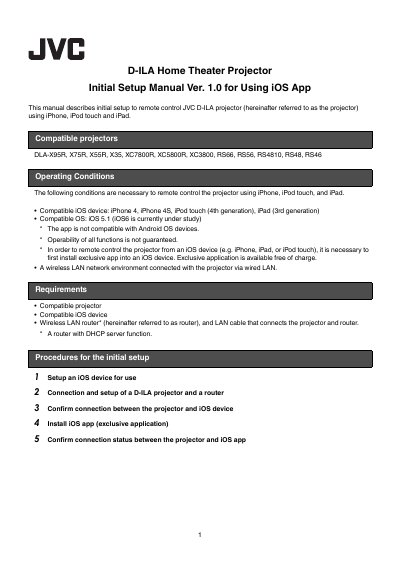

JVC D-ILA Home Theater Projector Initial Setup Manual for iOS App - cover page
Brand
JVC
Category
Projector
Document type
User Manual
Language
English
Pages
6
File format
PDF
File size
1.9 MB
Published
17 October, 2023
Updated
17 October, 2023
Model
X35
MD5 checksum
4C79AFBC2C5BD632E9A287735A1DC26D

About this manual

This manual describes the initial setup required to remote control JVC D-ILA projectors using iPhone, iPod touch, and iPad. It covers the necessary conditions, including compatible iOS devices and network environments, and outlines the steps to connect the projector to a wireless LAN router.

The guide details how to configure the projector's network settings, install the exclusive 'D-ILA Remote' app from the App Store, and confirm the connection status between the projector and the iOS device.

What's inside

  • Compatible projectors
  • Compatible iOS device
  • Setup an iOS device
  • Connection and setup of a D-ILA projector and a router
  • Confirm connection between the projector and iOS device
  • Install iOS app
  • Confirm connection status

Frequently asked questions

Which iOS devices and operating systems are compatible with this manual's app?

The app works with iPhone 4, iPhone 4S, iPod touch (4th generation), and iPad (3rd generation) running iOS 5.1.

Can I use this app to control the projector over a 3G or LTE network?

No, connection is not possible using 3G or LTE network.

What happens if the projector is in ECO Mode when I try to turn on the iOS device power via the app?

Communications cannot be achieved, so you must switch off the ECO mode first.

Download PDF (1.9 MB)

More JVC Manuals


View all JVC manuals →