
This document is an instruction manual for the DAB Clock Radio RA-D38B / RA-D38H. It introduces the features and characteristics of the product.
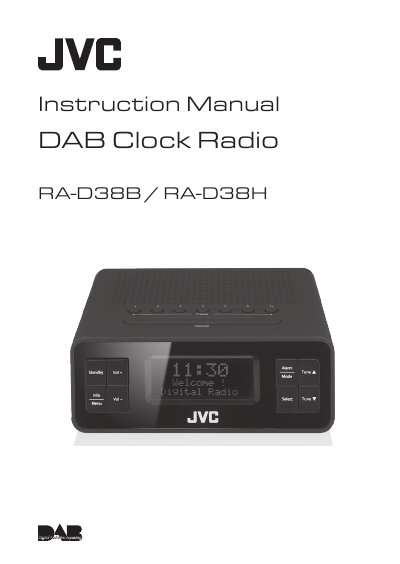
This manual provides instructions for the JVC RA-D38B and RA-D38H clock radios, which feature DAB and FM radio capabilities, a digital clock, and an alarm function. It details the unboxing process, safety warnings, and how to connect the unit to power and earphones. The guide explains how to turn the device on, adjust volume, set the time and date, and configure alarm settings.
| Speaker Output Power | 1W RMS |
|---|---|
| Frequency Range FM | 87.50 – 108.00 MHz |
| Frequency Range DAB | 174.928 - 239.200 MHz |
| Net Weight | 0.4 kg |
| Unit Dimension | 139 mm × 155 mm × 63 mm |
| Input Voltage | 100-240V~ 50-60Hz |
Press and hold the Preset 1-6 button to directly save a preset station, or press and hold the Preset 7+ button to enter setup mode.
Switch the unit off and then on again at the mains socket to reset the unit.
No, this unit is designed for indoor, domestic use only.