
ION7550 / ION7650 Energy & Power Quality Meter User Guide
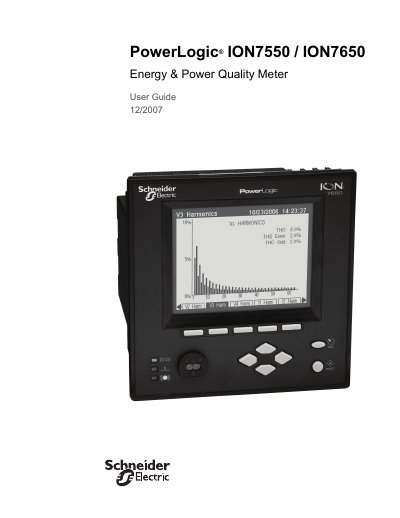
This user guide provides detailed instructions for operating and configuring the PowerLogic® ION7550 and ION7650 energy and power quality meters. It covers installation, communication setup, data logging, power quality analysis, and safety precautions. The meters support various communication protocols and can be integrated into enterprise energy management systems. Safety warnings are emphasized, including hazardous voltages and proper grounding requirements.
The guide includes chapters on front panel controls, basic setup, security, communications, third-party protocols, time settings, demand control, inputs/outputs, energy pulsing, logging, revenue metering, power quality, test mode, meter resets, alerting, setpoints, and reporting. It also references the Installation Guide for physical installation steps and the ION7550 RTU Option document for differences with RTU models.
The maximum cable length is 50 feet (15.2 m).
A standard straight-through cable must be used.
The port uses a male DB9 connector.