
This document describes the use of Samsung SSD Data Migration software. Users can use this software to quickly, easily and safely migrate data from existing storage devices (such as HDD) to new Samsung SSDs.
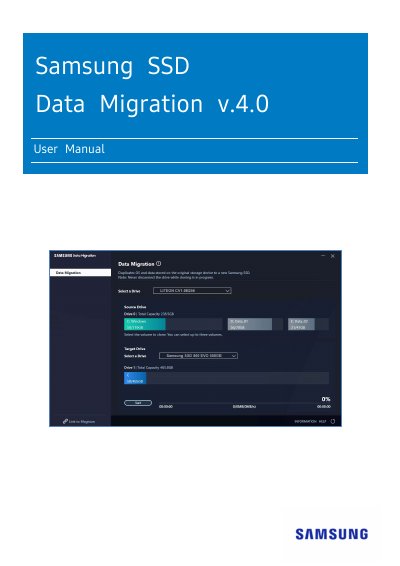
This manual explains how to use Samsung's Data Migration software to transfer data from an existing drive to a new Samsung SSD. It covers system requirements, supported drives, cloning steps, and troubleshooting. The software is developed by Clonix Co., Ltd. for Samsung SSD owners and includes precautions about data loss and compatibility.
The guide walks users through connecting the target SSD, selecting volumes to clone, and starting the cloning process. It also details booting from the cloned drive and provides FAQs for common issues like drive connection problems or unsupported drives.
| Supported Operating Systems | Windows 7 SP1, 8, 8.1, 10, 11 (64-bit) |
|---|---|
| Minimum RAM | 1 GB or more |
| Supported SSD Models | Samsung SSD 980 Series, 970 PRO Series, 960 EVO Series, 870 EVO Series, 860 PRO Series, 850 PRO Series, 840 Series, 830 Series, 470 Series |
The Target Drive is not connected properly or does not exist. Check the hardware connection, verify the drive in Disk Management, or refresh the software.
The Target Drive is connected but not supported. Refer to the 'System Requirements' section for supported drives.
No, this software does not support RAID. For storage pools, delete the storage space and pool before cloning (data will be formatted).