
This is a user manual for Samsung Portable SSD T7.
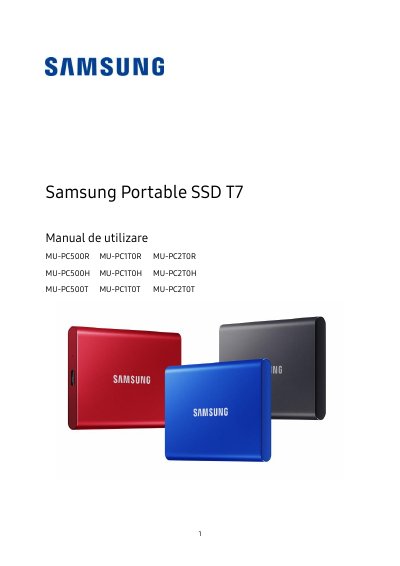
This manual provides instructions for using the Samsung Portable SSD T7, including how to connect and disconnect it, system requirements, file format compatibility, and safety precautions. It also covers software installation and firmware updates for Windows, Mac, and Android devices. The T7 features USB 3.2 Gen 2 connectivity, PCIe NVMe technology, and a durable metal casing for data protection. Safety guidelines emphasize safe removal procedures and avoiding physical damage or exposure to extreme conditions.
| Transfer Speed | Up to 1.050 MB/s read, 1.000 MB/s write |
|---|---|
| Drop Resistance | Up to 2 meters |
| Weight | 58 g |
| File System | exFAT |
| Warranty | 3 years |
The T7 is designed to withstand drops from up to 2 meters.
The T7 is pre-formatted with the exFAT file system, compatible with Windows, Mac, and Android.
The T7 comes with a limited 3-year warranty.
The T7 includes Samsung Portable SSD 1.0 software for PC and Mac to set a password and update firmware, plus a mobile app for Android devices.