
《Acer ICONIA W510 User’s Manual》details the computer's usage methods, including basic care and usage tips, computer appearance characteristics, network connections, wireless networks, battery management, and security settings.
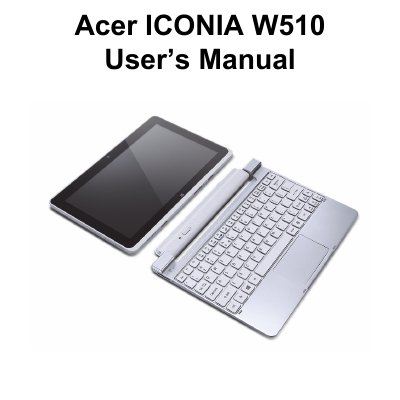
This manual provides instructions for the Acer ICONIA W510 tablet PC, including safety guidelines, initial setup, and hardware descriptions. It details how to turn the device on and off, care for the hardware, and use the included keyboard dock. The guide explains the Windows 8 interface, including charms, Start screen, and app navigation.
| Product Model | W510 |
|---|---|
| Operating System | Windows 8 |
| Battery Type | Lithium-ion or Lithium-polymer |
| Input Voltage Range | 100 to 120 or 220 to 240 V AC |
Unplug the product from the wall outlet before cleaning and use a damp cloth. Do not use liquid cleaners or aerosol cleaners.
No, you should not use the product near water or in a humid, wet, or corrosive environment.
Charging will not occur at temperatures above 40° C (104° F).