
This manual introduces the basic use of Chromebook C740, including turning on, shutting down, setting language, connecting to the Internet, and using the browser
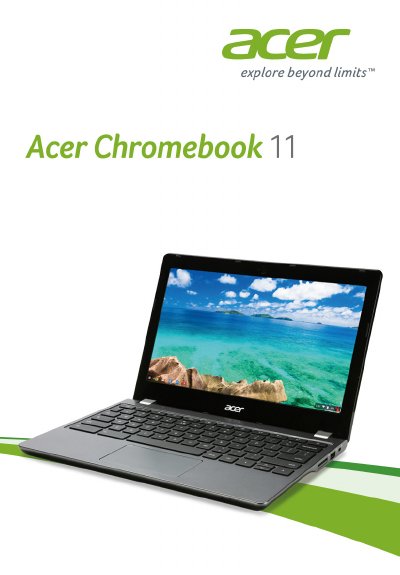
This manual guides users through setting up their Acer Chromebook C740, including connecting to Wi-Fi, signing in to Google, and customizing settings. It covers using apps, managing files, and adjusting system preferences like language, time, and appearance. The guide also explains how to update Chrome OS and access help resources.
The document includes detailed diagrams of the device’s front, keyboard, and side views, explaining ports, buttons, and features like the touchpad and webcam. It provides step-by-step instructions for tasks such as installing apps, setting up printers via Google Cloud Print, and changing wallpapers or themes.
The power button is located at the upper-right corner of the keyboard.
The light shows amber when the battery is charging and blue when fully charged in AC mode.
Press the touchpad with two fingertips to right-click.