
This is the user manual for Acer Aspire One 10 computer
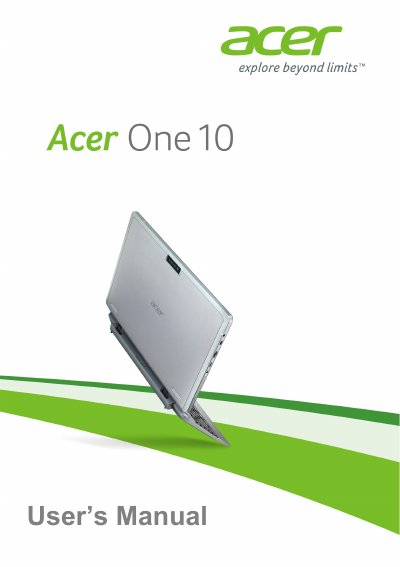
This manual provides essential information for using the Acer Aspire One 10 S1002 laptop. It includes instructions on turning the computer on and off, basic care tips, and how to use the included guides like the Setup Guide and Quick Guide. The document also details how to sign up for an Acer ID to access cloud services and warranty registration.
Press and hold the power button for more than four seconds to shut down the computer.
Do not expose the computer to temperatures below 0º C (32º F) or above 35º C (95º F).
Change passwords on a regular basis, at least every 90 days.