
The Acer Iconia W1-810 tablet user manual provides setup, usage, care, connectivity, battery, and troubleshooting instructions.
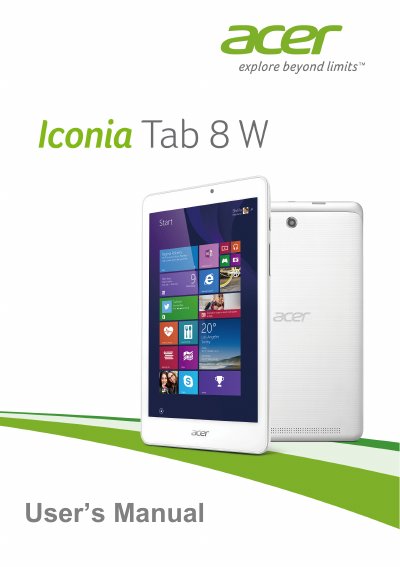
This user manual guides you through setting up and using the Acer Iconia W1-810 tablet, covering basic operations, caring for the device, and accessing Acer’s online services. It includes sections on turning the tablet on and off, battery management, cleaning, and safety precautions.
The document also details hardware specifications, connectivity options such as Wi‑Fi and Bluetooth, and provides troubleshooting tips, FAQs, and security advice for safe internet use. Technical specifications for the processor, memory, display, cameras, and battery are listed at the end of the manual.
| Operating System | Windows 8.1 32-bit |
|---|---|
| Processor | Intel® Atom™ Z3735G |
| Memory | 1 GB DDR3L onboard |
| Storage | 32 GB eMMC |
| Display | 8.0" IPS capacitive multi‑touch, 1280 × 800 HD |
| Rear Camera | 2 MP, 1600 × 1200 |
| Front Camera | 2 MP, 1600 × 1200 |
| Connectivity | 802.11b/g/n Wi‑Fi, Bluetooth 4.0 |
| Battery | 17 Wh 4600 mAh 3.7 V Li‑ion, up to 8 h |
| Dimensions | 214 mm × 128 mm × 9.75 mm, 370 g |
Turn on the wireless connection, select your network from the list, and enter the password if required.
The tablet uses a 17 Wh 4600 mAh 3.7 V 1‑cell Li‑ion battery pack that provides up to 8 hours of operation.