
This manual is a user guide for KODAK Photo Printer 6850. It mainly introduces the printer's composition, installation instructions, operating instructions and troubleshooting.
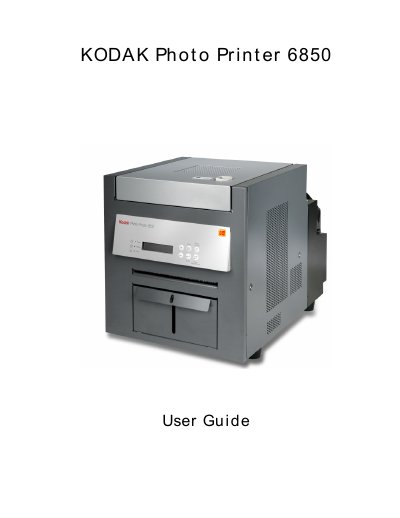
The Kodak Photo Printer 6850 is a thermal photo printer designed for printing photos from various sources. This guide details the initial setup process, including unpacking, installing the trim tray and print catcher, loading the RIDDON paper and ribbon, and connecting the necessary cables for power and USB communication. It also explains how to turn on the device and perform a test print.
| Product Name | Kodak Photo Printer 6850 |
|---|
The package includes the printer, a trim tray, a print catcher, a power cable, a USB cable, and a CD-ROM with software.
The manual states that the printer requires a recommended air flow clearance of 6 inches.
To recover from a power interruption, you must turn the power switch off and then on again.