
This is a user manual for KODAK DC4800 Zoom Digital Camera
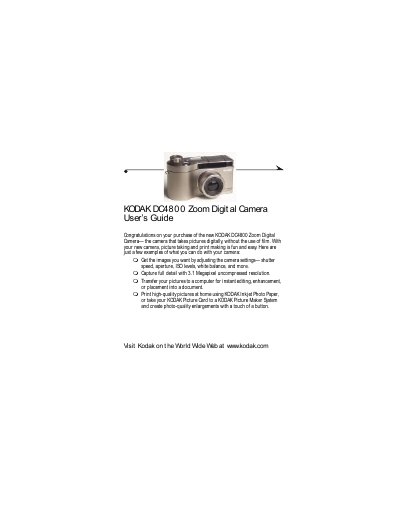
This guide helps you operate the Kodak DC4800 Zoom digital camera, including loading batteries, inserting picture cards, adjusting settings like shutter speed and ISO, and using features such as optical and digital zoom. It also covers transferring pictures to a computer, printing, and troubleshooting common issues.
The manual includes detailed sections on camera menus, exposure settings, customizing picture quality, and maintenance. It provides technical specifications and safety information for proper use and care of the device.
| Picture File Format | JPEG or TIFF |
|---|---|
| Picture Storage | External memory only: ATA compatible CompactFlash card |
| Viewfinder | Real image |
| ASA/ISO Sensitivity | Automatic or Configurable |
| Flash Range | Wide 1.6 ft to 10.5 ft (0.5 to 3.2 m), Telephoto 1.6 ft to 6.6 ft (0.5 to 2.0 m) |
| Power Battery | Lithium-ion rechargeable |
| DC Input | Kodak-specified AC adapter (5V) |
| Tripod Socket | .25 in. (.006 m) threaded |
| Video Out | NTSC or PAL |
Slide the battery door open, insert the battery with the arrow and (+)(-) symbols facing down, then close the door.
The camera supports JPEG and TIFF file formats.